
Create a Wallet
Understand addresses, seed phrases, and private keys before setup or import.
View guide →imtoken Multi-chain Wallet
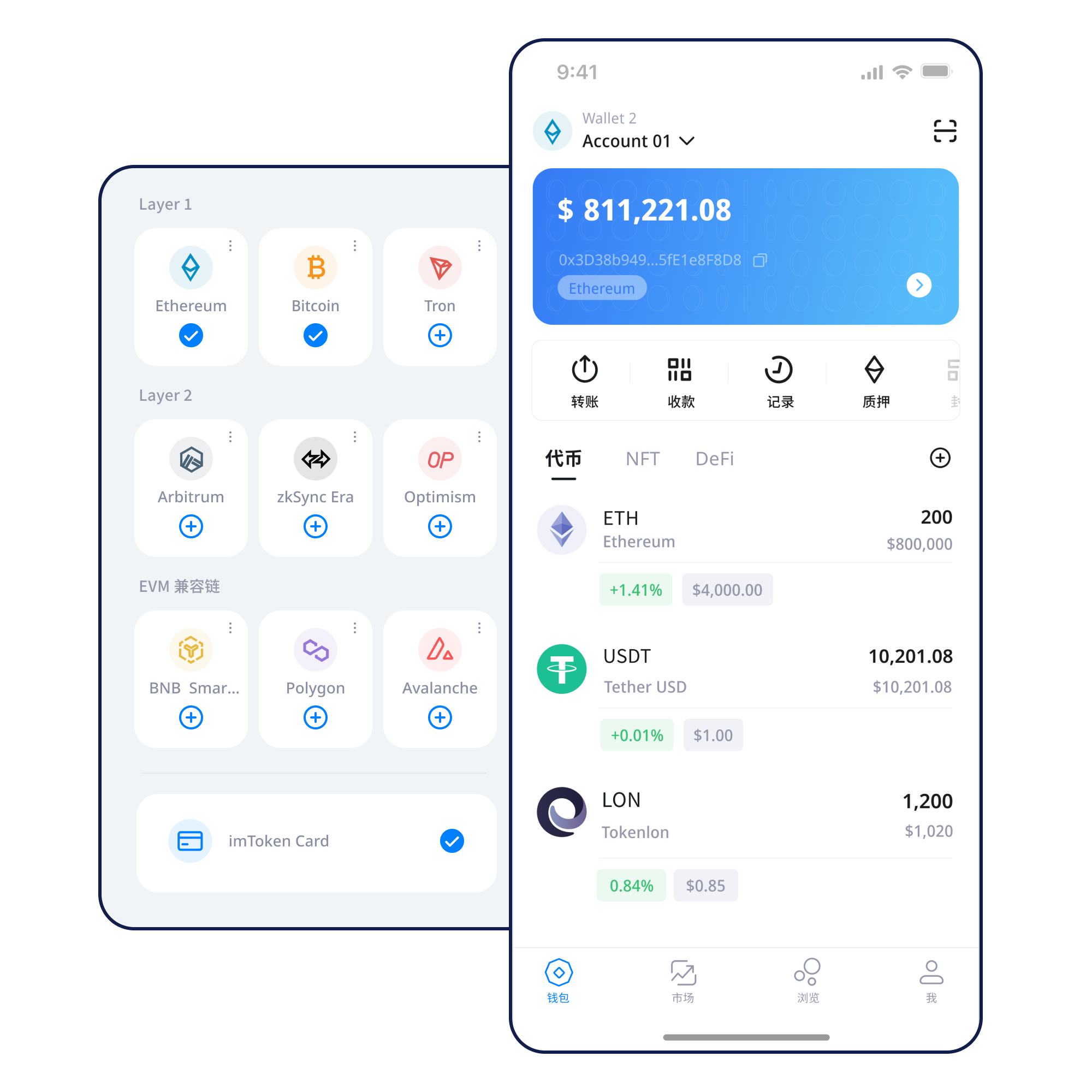
Understand multi-chain assets, network selection, sending and receiving, DApp connections, token approvals, EVM, Layer 2, transaction confirmations, and wallet security through one coherent learning path.
Start with a task
Understand addresses, seed phrases, and private keys before setup or import.
View guide →Keep recovery material offline and away from screenshots, cloud notes, and unfamiliar websites.
View guide →Confirm the destination network before sharing a public receiving address.
View guide →Review the address, network, amount, asset, and network fee before broadcasting.
Review checklist →Verify the domain and account, then review signatures and approvals one request at a time.
View guide →Wallet capabilities
A single wallet can expose multiple networks, but each network still has its own fee asset, token contracts, history, and confirmation rules.
Understand multi-chain use →
Treat the address, network, amount, gas, and transaction hash as separate checkpoints.
View transfer guide →Manage networks, review assets and transaction history, and enter DApp workflows from mobile.
Use a browser environment to read connection, signature, and approval requests with account context visible.
Explore Web use →
Keep recovery secrets offline, minimize unnecessary permissions, and review each request independently.
Every chain keeps its own fees, transaction history, and confirmation environment. Switching networks does not move an asset.
A transaction moves from broadcast to block inclusion and then accumulates confirmations.
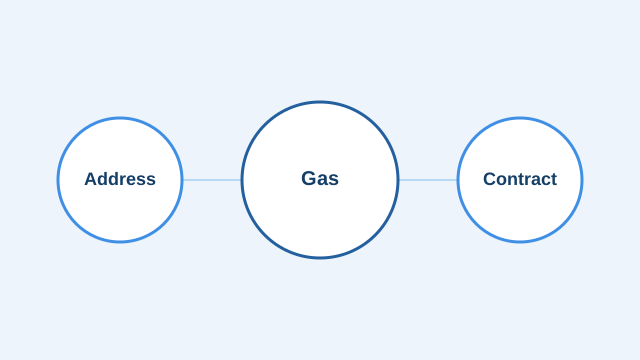
Different EVM networks can use different gas assets, contracts, bridge paths, and security assumptions.
Cross-layer movement can involve bridges, waiting periods, and additional arrival checks.
A transaction hash connects fees, execution result, block inclusion, and confirmations to the same on-chain record.
Wallet journey
Start from the shared download entry and confirm the device environment and installation source.
Understand the different roles of an address, seed phrase, and private key first.
Keep the seed phrase offline and out of screenshots, chats, and cloud notes.
Make sure the asset, receiving address, fee asset, and destination network match.
Review the address, amount, asset, and gas before broadcasting.
Check the transaction hash and periodically clean up DApp sessions and approvals that are no longer needed.
Web3 & DApps
Connections, message signatures, transactions, and token approvals represent different permissions. Verify the domain and account, then read every request independently.
Security
Seed phrases and private keys are held by the user, and imtoken will never ask for them. Verify the address, network, and amount before sending; read DApp requests before signing; check the spender and allowance before approving. Third-party DApps and smart contracts can introduce risk, and confirmed on-chain transactions generally cannot be reversed by a wallet.
Open the security center →Academy
Start with addresses, seed phrases, and private keys, then learn networks, gas, transaction hashes, DApps, and approvals so every action connects to a real on-chain result.
Read Getting Started →Ethereum
Ethereum PoS uses validators for block proposals and attestations. Rewards can change, exits may involve waiting, and validators can face network penalties.
Learn staking basics →Before participating
Staking does not guarantee returns. Smart contracts, third-party services, validator status, exit delays, and digital-asset price volatility all matter.
PoS & Validators →Product & Security Updates
FAQ
A digital wallet manages blockchain accounts controlled by private keys and helps display addresses, assets, and transactions; asset state is recorded by the blockchain.
A seed phrase commonly recovers multiple accounts, while a private key controls a specific address. Neither should be shared.
The same asset name can appear on multiple networks, and address formats can look similar, so the destination chain must be confirmed.
Gas represents computational resources used by transactions and contracts, while actual fees change with network conditions.
No. Connections, signatures, transactions, and token approvals are separate requests and should be reviewed separately.
A confirmed transaction generally cannot be unilaterally reversed by a wallet, so pre-transfer review is essential.
imtoken
Understand the wallet, network, and security principles first, then choose the next step that fits your use case.